 The Template Section
List
The Template Section
List
The Template Section
List
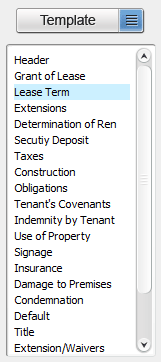
The template section list shows each section available in a template. These sections, when moved to your document , will comprise the body of your text.
To move a section from the template to the document, highlight the section in the template, then click the "ADD" button.
Alternatively, sections can be added by right clicking on a section and choosing one of two options from the popup menu:
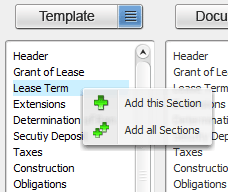
Add this Section - Move the highlighted section from the template to the document
Add all Sections - Move all sections from the template to the document
Related Help: